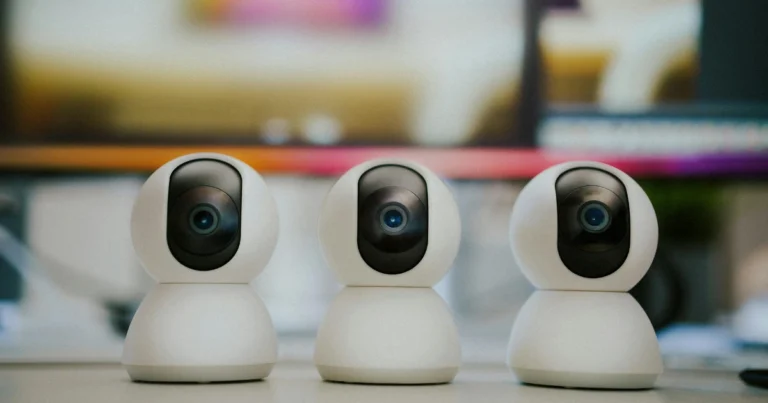
Security camera monitoring can mean checking live video yourself, receiving app alerts, or using a separate professional monitoring service. These are different arrangements. ProTech Security Cameras helps homes and businesses in Dallas–Fort Worth plan camera access, recording, and alert settings around their property and the selected equipment.
Choose the type of monitoring you need
Remote viewing and self-monitoring
With a compatible recorder or camera platform, authorized users can view live video, review recordings, and receive configured notifications. Remote access depends on power, the internet connection, account permissions, and equipment compatibility. Receiving an alert does not mean an operator has reviewed it or contacted emergency services.
Professional monitoring arrangements
If you want a monitoring provider to handle events, confirm the provider, service hours, verification process, response procedures, contract terms, and recurring charges in writing. Availability depends on the equipment and service selected. Ask how missed connections, false alerts, and cancellation are handled before signing up.
Plan useful alerts instead of constant notifications
- Identify the events that matter: a person at an entrance, a vehicle in a defined area, or an alarm input supported by the system.
- Set detection areas and schedules to reduce irrelevant movement from roads, vegetation, and reflections.
- Confirm who receives alerts and how a second contact is reached.
- Test daytime and nighttime views, recorded playback, and notification delivery.
- Review settings when the property layout, lighting, staff, or internet service changes.
Recording and account security
Choose recording retention based on camera count, image settings, available storage, and whether recording is continuous or event based. Ask what happens when storage fills and how to export an incident before it is overwritten. Give each user appropriate access, protect accounts with strong passwords, enable multifactor authentication when supported, and keep supported software updated.
What to include in your enquiry
Tell us whether the system is for a home, store, office, or other property; the city; the camera or recorder model if known; the areas you need to see; and whether you need a new installation or help with an existing system. Do not send account passwords through the enquiry form.
Monitoring questions
Can I watch cameras from my phone?
Many systems support this, but the app, recorder model, network connection, and account setup must be compatible. Confirm the exact remote-viewing features in the proposal.
Will camera alerts automatically dispatch police?
Do not assume this. App notifications and professional response services are separate. Confirm any response arrangements with the selected provider.
When can I contact ProTech?
Sales and support enquiries are available every day, Monday–Sunday, 7:00 AM–7:00 PM. Call (469) 988-6624 or request a quote.
Related services: security camera installation, alarm system planning, and network infrastructure.